
Repair Common Problems
Helps recover usable audio from supported files affected by common structural and playback issues.
Audio Doctor helps repair common audio-file problems, preserve the original format, process multiple files, and optionally create MP3 output with selectable quality.
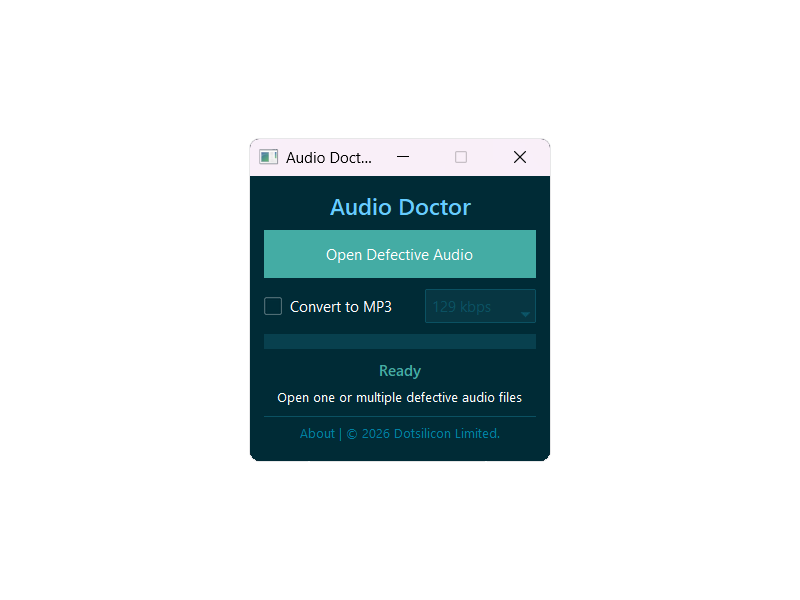
Select your files, choose an optional MP3 setting, and let Audio Doctor handle the repair workflow.
Helps recover usable audio from supported files affected by common structural and playback issues.
Open one or many files in a single action and process them sequentially.
Create MP3 output at 129, 192, 256, or 320 kbps when conversion is needed.
Keep the source format unless MP3 conversion is explicitly enabled.
Progress, success, warning, and error information stay inside the app window.
Results are saved inside an Audio Doctor Output folder beside each source file.
Keep the original format or enable MP3 conversion and select a quality.
Select one file or several files together.
Find the completed files inside the automatically created output folder.
Audio Doctor processes selected files on your computer. No account is required, and selected audio is not uploaded to an online service.
Free to use. No account required.